For iPhone
One page a day.
Open it and it’s today. At midnight, your page is minted, and one day Dot and Dash bring it back.
Free to write, always.

How it works
Write today. Dot and Dash keep the rest.
-
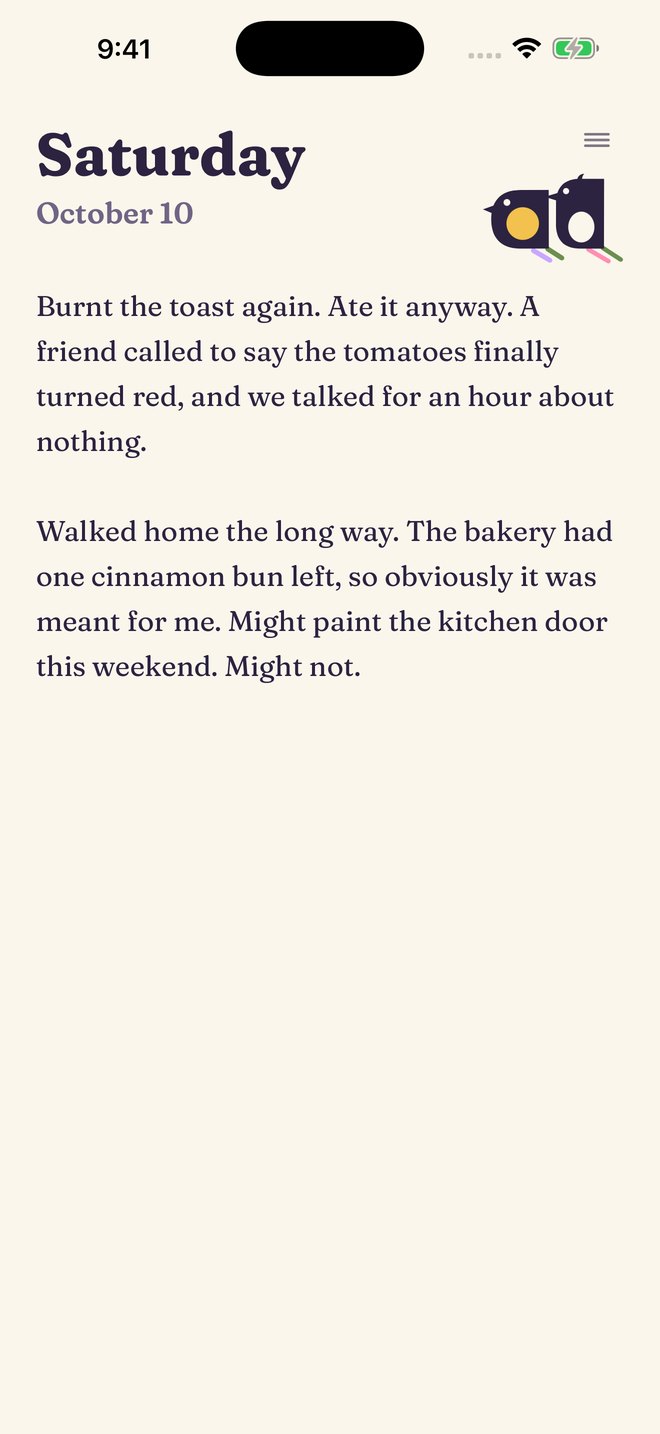
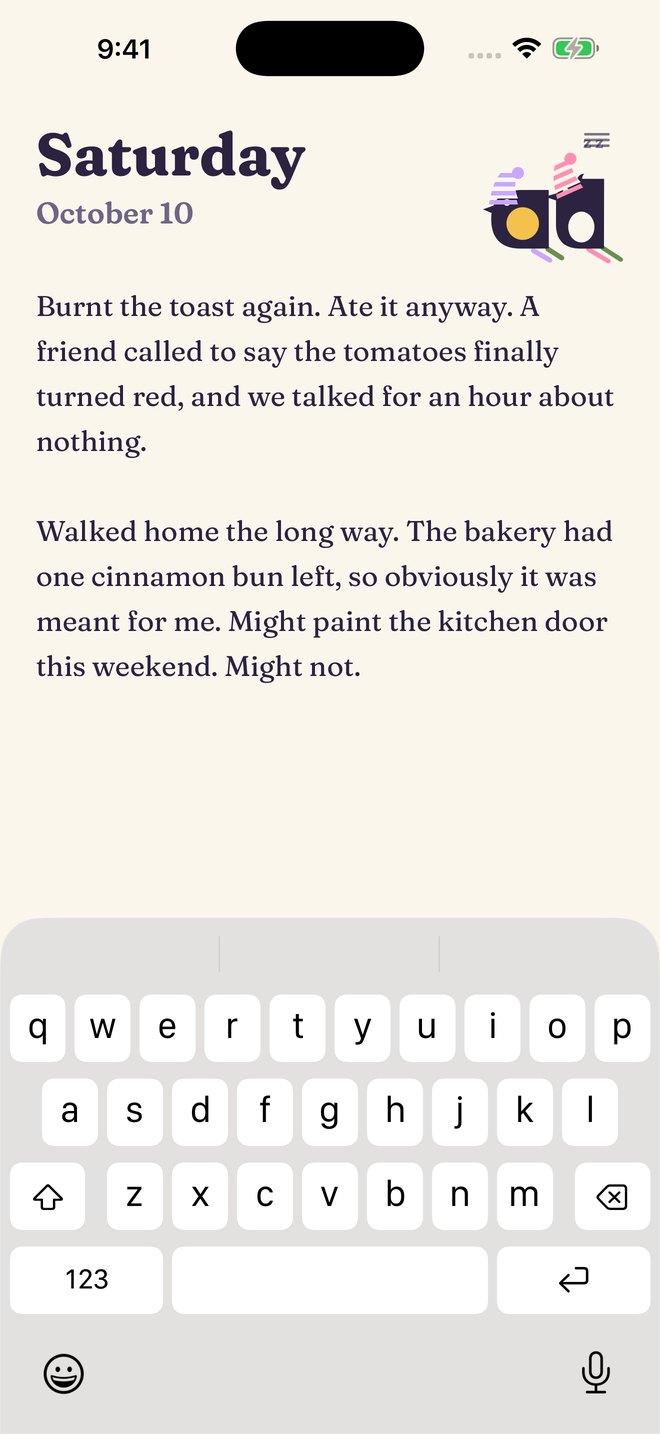
Open it and it’s today.
A fresh page, waiting. Write a line, a list or a whole page. Nobody’s keeping score.
-
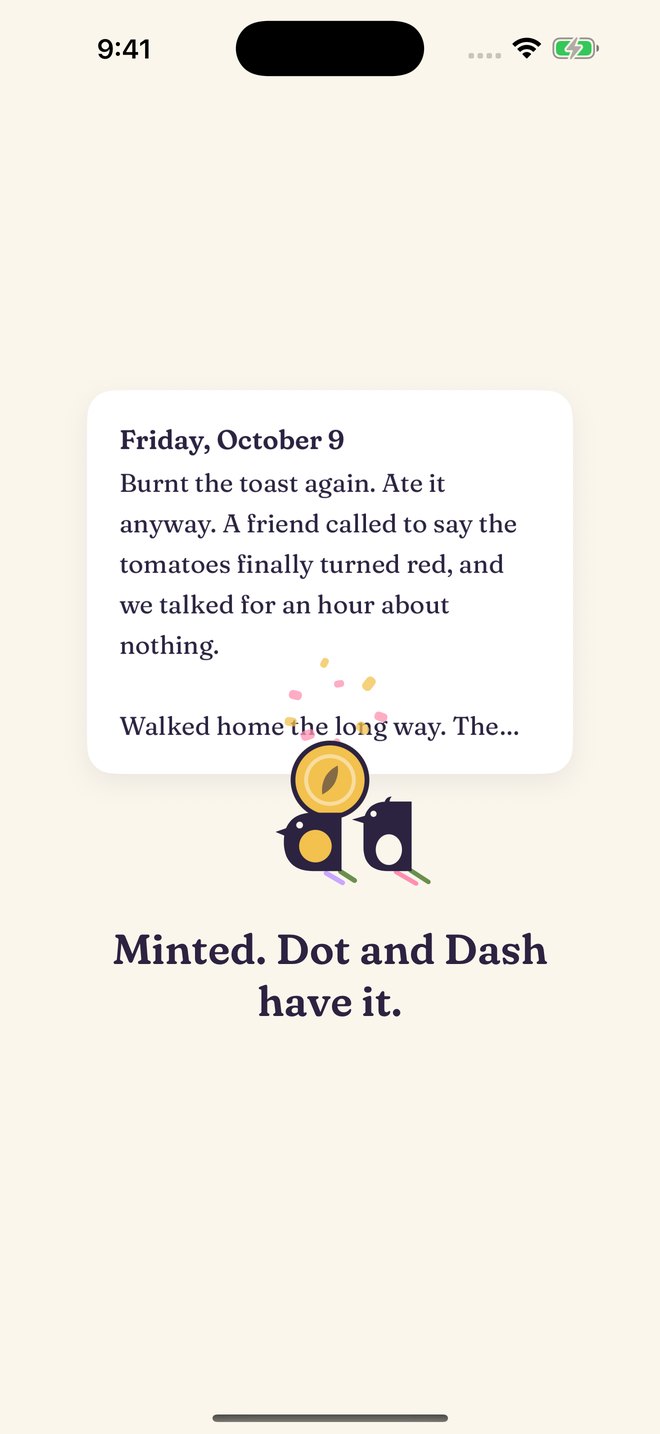
At midnight, it’s minted.
Your page turns into a coin, and Dot and Dash, two magpies who love shiny things, tuck it away in their nest.
-
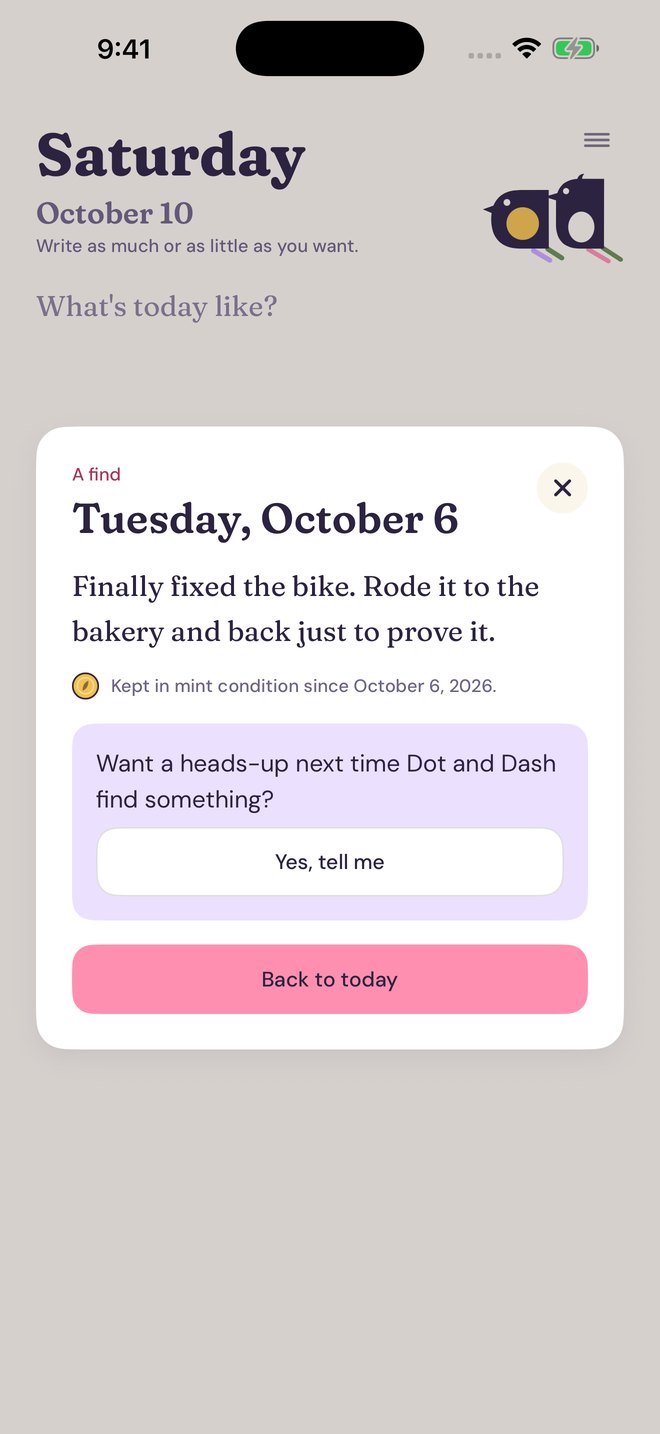
Then one day, a find.
When you least expect it, they bring it back. Last week, last spring, or a Tuesday you’d forgotten all about.
A line is plenty.
Some days get a whole page. Some get what you had for lunch, what the sky did, or something a friend said that made you laugh.
Come back whenever.
Miss a day, a week or a month. There’s nothing to catch up on. It’s always just today.
A nice place to write.
Soft paper, warm type and two magpies who are always glad to see you. No feeds, no followers, no ads.
New iPhone?
Sign in with Apple or Google, and Dot and Dash still have every page.
Up at midnight?
So are Dot and Dash.
Keep writing past midnight and they put on a little show: nightcaps, a midnight snack, a shooting star, a swing on the moon.
Every so often the mirror ball comes out, and New Year’s Eve and Halloween get something special of their own.
Free to write, always
Support the makers, if you like.
Writing in Daymint is free, with no limits. Daymint is made by a tiny team, and if it makes your days a little brighter, you can help keep it going.
Dot and Dash hop a thank-you.
A thank-you twirl.
The full two-for-joy celebration.
- Paper styles: lined, dotted and aged
- More app icons: Paper, Bubblegum, and Dot and Dash
- The find mix, to lean toward recent days or older ones